
Want to allow your service providers to create their own accounts? Read more to find out how. #

Make sure you have a “create account” email template. If not, click here for how to create an email template. Below is an example:
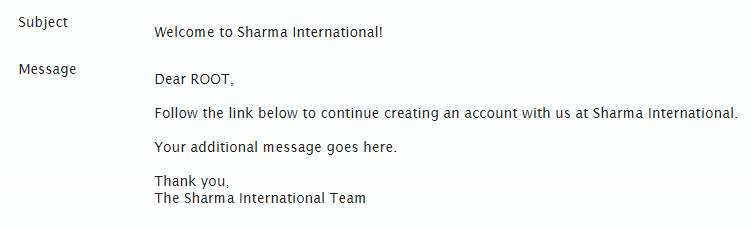
NOTE: Make sure you include the {MESSAGE} tag in the body of the email template, as this becomes a web link users can click on to continue creating their new account.

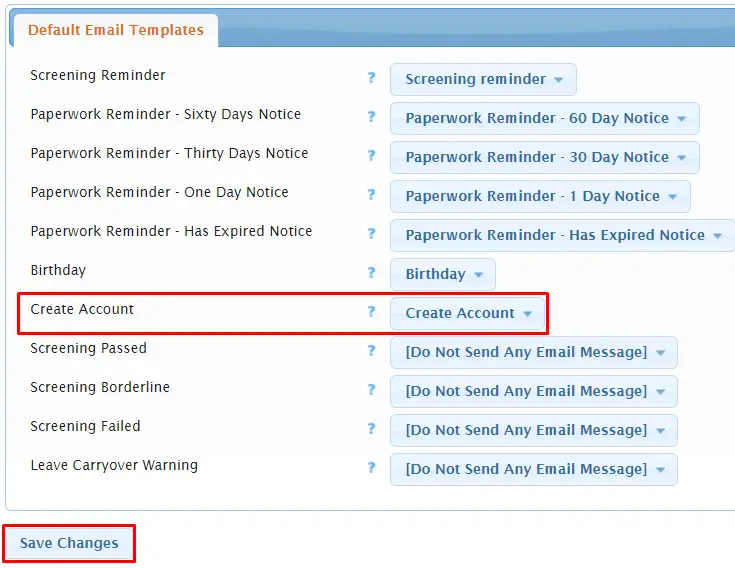
Make sure your “create account” email template is set as a default email template. To do this, go to Settings > Default Email Templates. Next, to Create Account, select your create account email template from the drop down. Then select Save Changes.

Go to Admin > Change System Settings. Under the Account Self-Creation tab, set Allow Service Providers to Self-Create Their Own Accounts to Yes and then select Change Settings.


Decide how new service providers will get the web address to self create their account. You could place a link to the web address on your company website or email the link to service providers that have expressed wanting to work with you. The web address will be your Usked site address followed by /provider/create.php. So, if your Usked site web address was https://love.usked.com the self create service provider web address would be https://love.usked.com/provider/create.php.
FAQS #
What if I want to have this new service provider complete screening? #
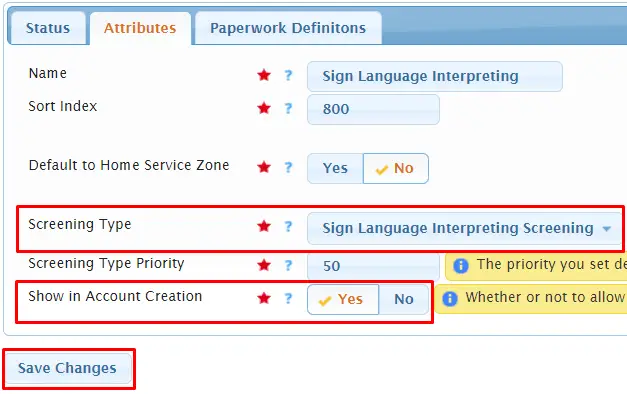
You’ll want to make sure your screening is set up in Usked. Read more about how to do this here. Also, the screening will need to be tied to the service in order to automatically have it assigned to the new service provider. You can set this by going to Billing > Settings > Services. Click on the pencil icon next to the service you want to connect your screening to. Under the Attributes tab select the desired screening from the Screening Type drop down and make sure Show in Account Creation is set to Yes. Then select Save Changes.
What does the account creation process look like for my new service provider? #
Once the new provider clicks on the self create web address link they are taken to the create an account page and will need to enter their email address.

They will then receive the create account email with a link to continue. They will be taken to a page where they are prompted to enter in their basic information and select the service(s) they provide.
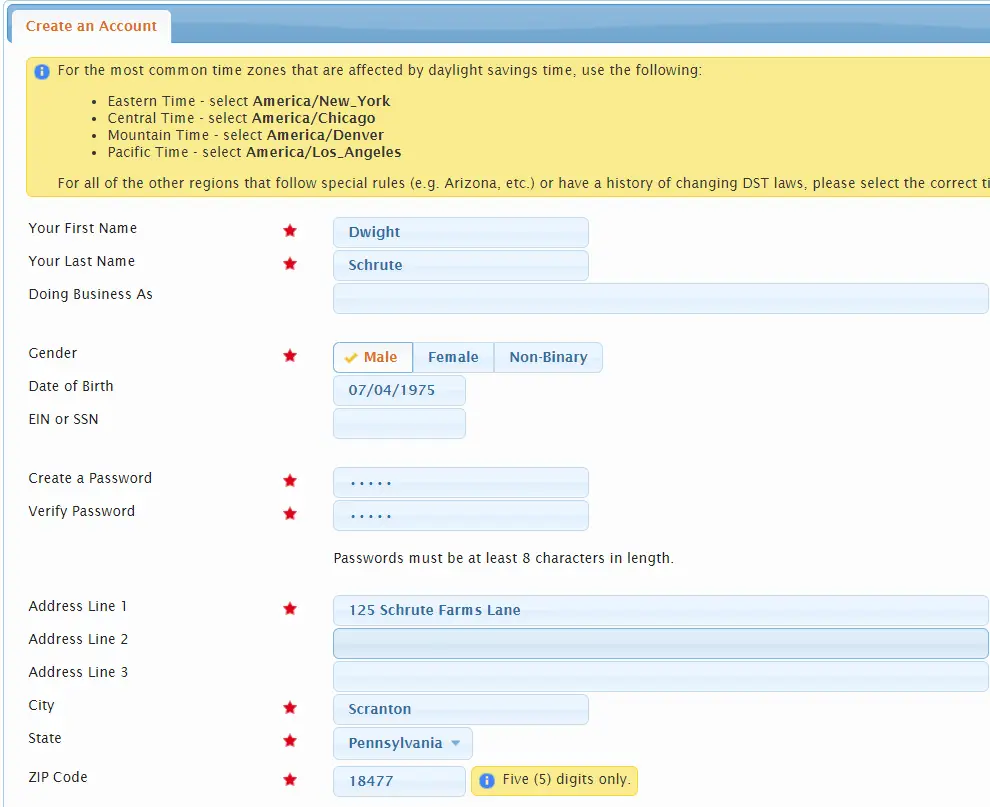
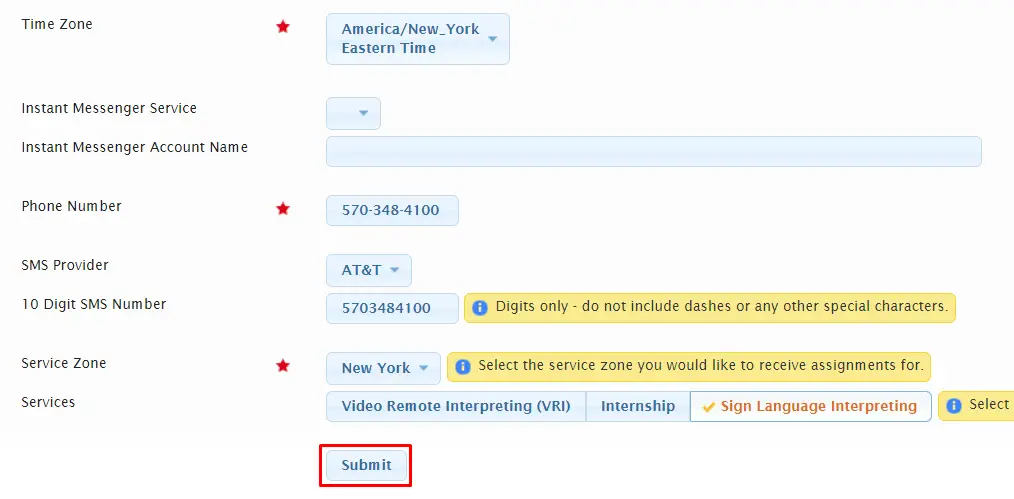
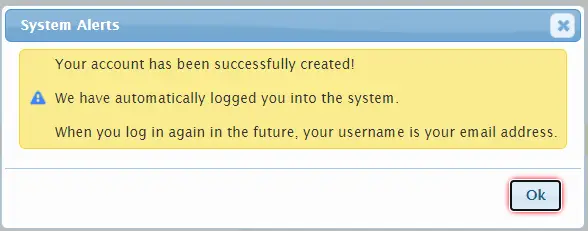
Once they click Submit they will be automatically logged into their new account and will see this system alert:
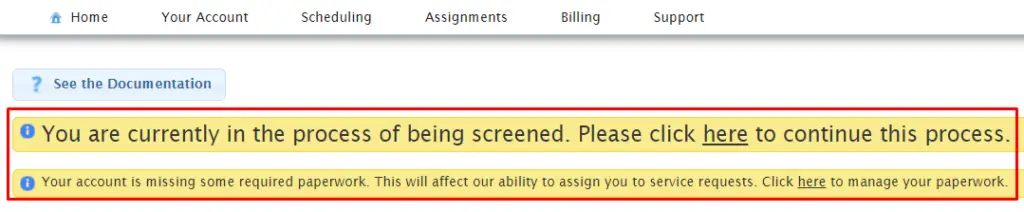
If they have screening and/or paperwork to complete, they will see one or both of these messages upon log in:
What is created in Usked when a service provider creates their own account? #
There are three things created in Usked from a service provider creating their own account:
- New User – the information for this new user will include the first name, last name, password, time zone, date of birth, and EIN/SSN given in the self create account process. The email address provided will become their username.
- New Group Member – the new user is added to the Human Resources group as a group member, using the address, phone number, instant messenger, and SMS information provided.
- New Service Provider – a service provider profile is created and tied to the new user, using the doing business as, gender, and selected services provided.