Need to change your own password or one for one of your service providers, customers, or staff? #
Changing Your Own Password #

From your Usked portal, go to Your Account > Your Password
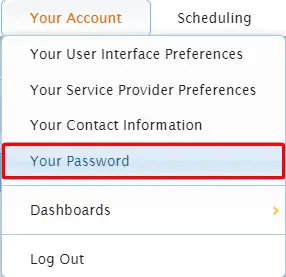

Type in your old password, and then your new password twice.
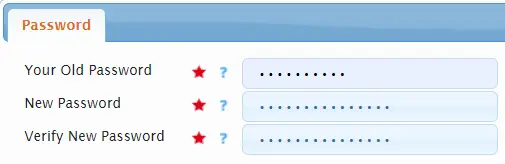

Select .
Changing Password for Another User #
#
From your Usked portal, go to People > User Accounts.
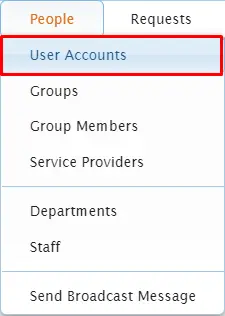

Click on the key icon next to the desired user.


Type in the new password twice.
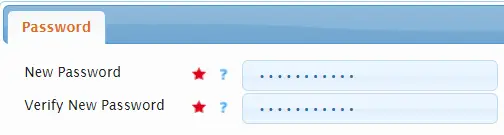

Select the update password button: