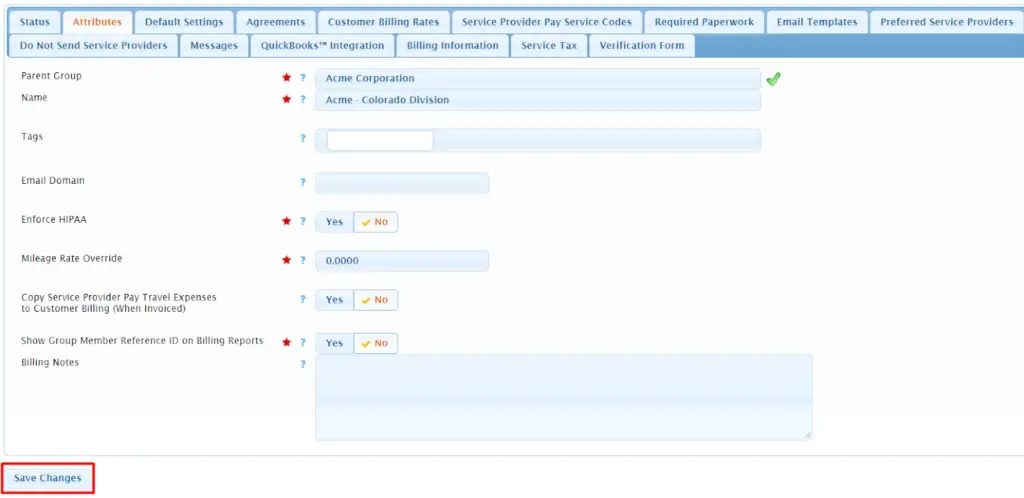
Need to add a new customer account in your Usked portal? Read more to find out how. #

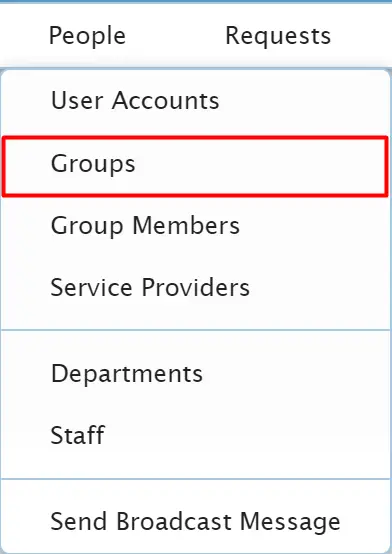
From the top menu of your Usked portal, go to People > Groups.

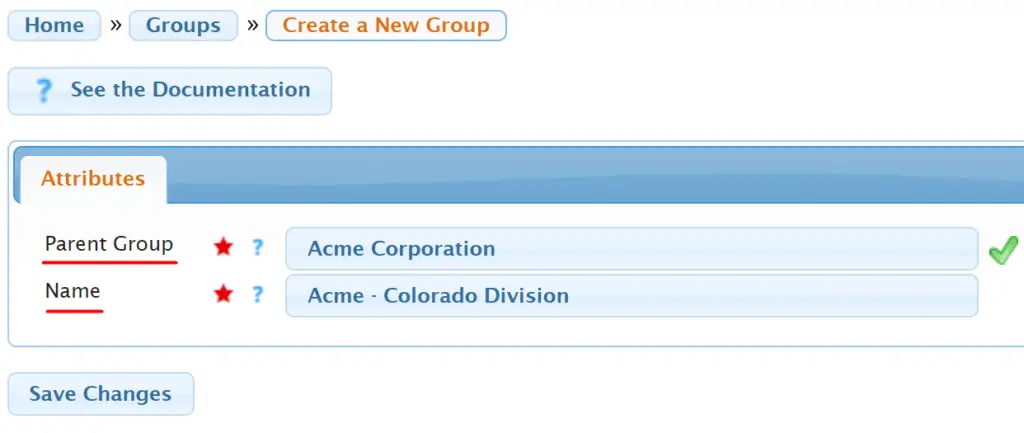
Click on Create a New Group.


Choose the parent group and type in the name of the new group. Then select Save Changes.

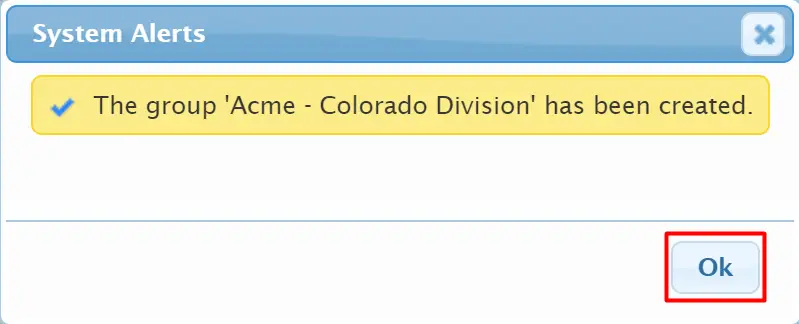
Select OK.

Fill out any relevant information in the group profile’s tabs. Then select Save Changes.