
In an ideal world every service experience would be spectacular regardless of which service provider was assigned. Since this isn’t always the case in real life, you may find yourself wanting to make sure a service provider is not sent for assignments for a particular client. For this example, client Basil Jorgenson has let us know that she does not want service provider Sherryl Hage to be assigned to any of her appointments at the Acme Corporation.

Go to People > Group Members


Click on the pencil (edit) icon next to the client’s name that you’d like to add the DNS service provider to.


From the Do Not Send Service Providers tab click on Add a Do Not Send Service Provider.
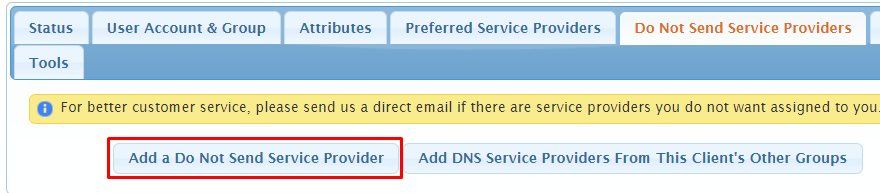



Select the Do Not Send Service Provider from the drop down and type in any internal notes about why the service provider is DNS, if desired.


Select Save Changes.

Now, you will see the DNS service provider listed from the group member list:

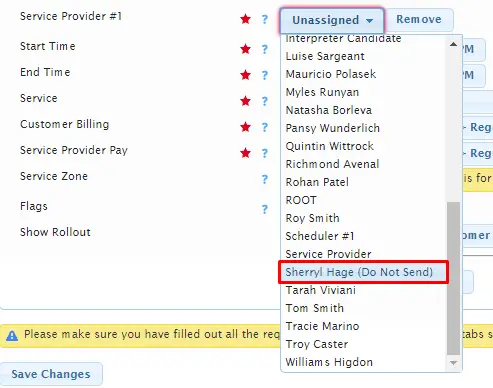
and noted as Do Not Send in the service provider drop down when assigning service providers for the request:
as well as on the Do Not Send List, accessible from Reports > Scheduling > Check Do Not Send Lists:
