
Have a new service provider and want to add them in Usked? Read more to find out how. #

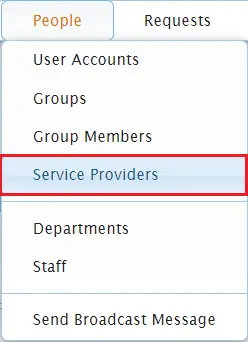
From your Usked portal, go to People > Service Providers.

Click on the Create a New Service Provider button.


Type in the name of the service provider in the User field. If the name populates, select it. If there are no matches, click on Create a New User Account and follow the steps from 3 & 4 from How to Create a New User Account.

Fill out the applicable fields in the tabs, including adding any services or pay rates for the service provider, then select Save Changes.


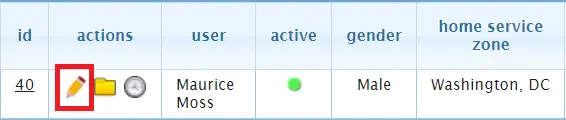
Go back to People > Service Providers and click on the pencil (edit) icon next to the service provider’s name.

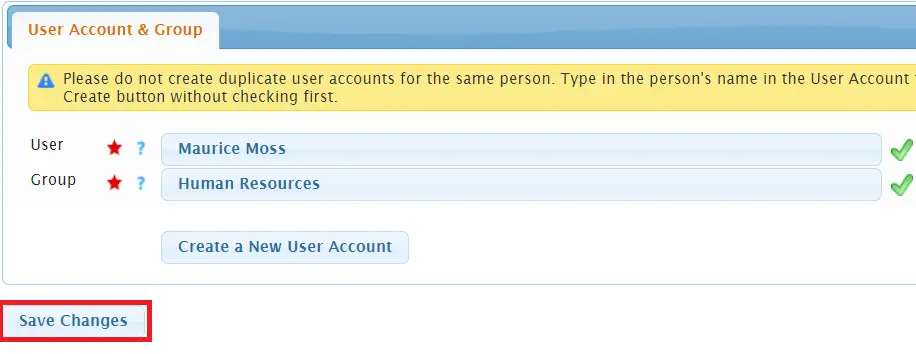
From the Contact Information tab click on Create Human Resources Group Member.


Select Save Changes.

Fill out the applicable fields in the remaining tabs, then select Save Changes.
